Model-first search
Find products using the exact model, series or equipment type.

sales@hikdistribution.com
HIKD security equipment sourcing
Search exact model numbers, compare compatible cameras and recorders, or request support for a complete project list.
Browse common models
Find products using the exact model, series or equipment type.
Review camera, recorder, PoE and network requirements together.
Send a bill of materials or model list for a project quote.
Contact the sales team by email or WhatsApp when you need help.
Start with the product family, then compare exact models, specifications and system requirements.
Start with the site, camera type and recording requirement, then connect the components that need to work together.
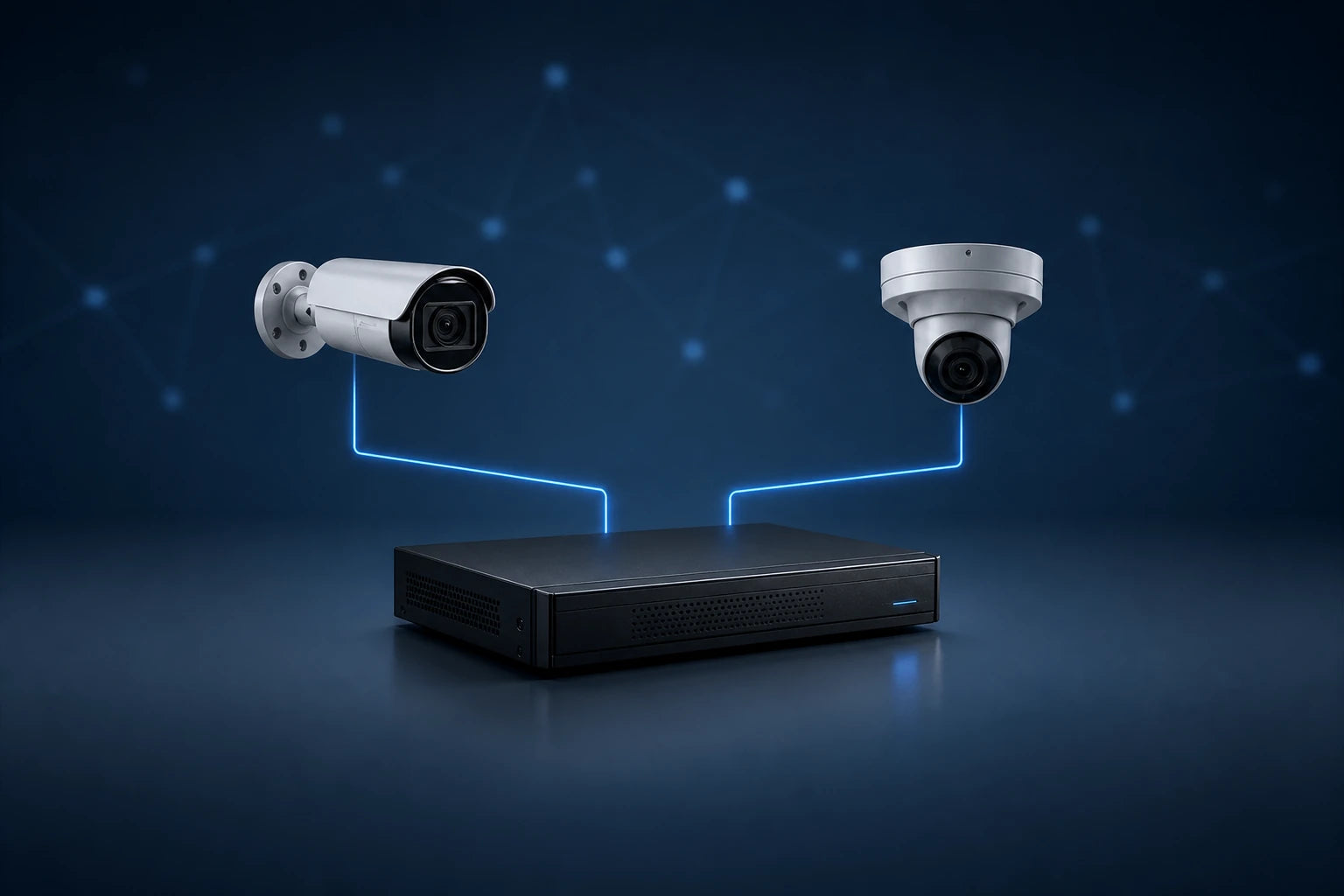
Match fixed or PTZ cameras with recorder capacity, PoE budget, storage and decoding requirements.
Request a compatibility review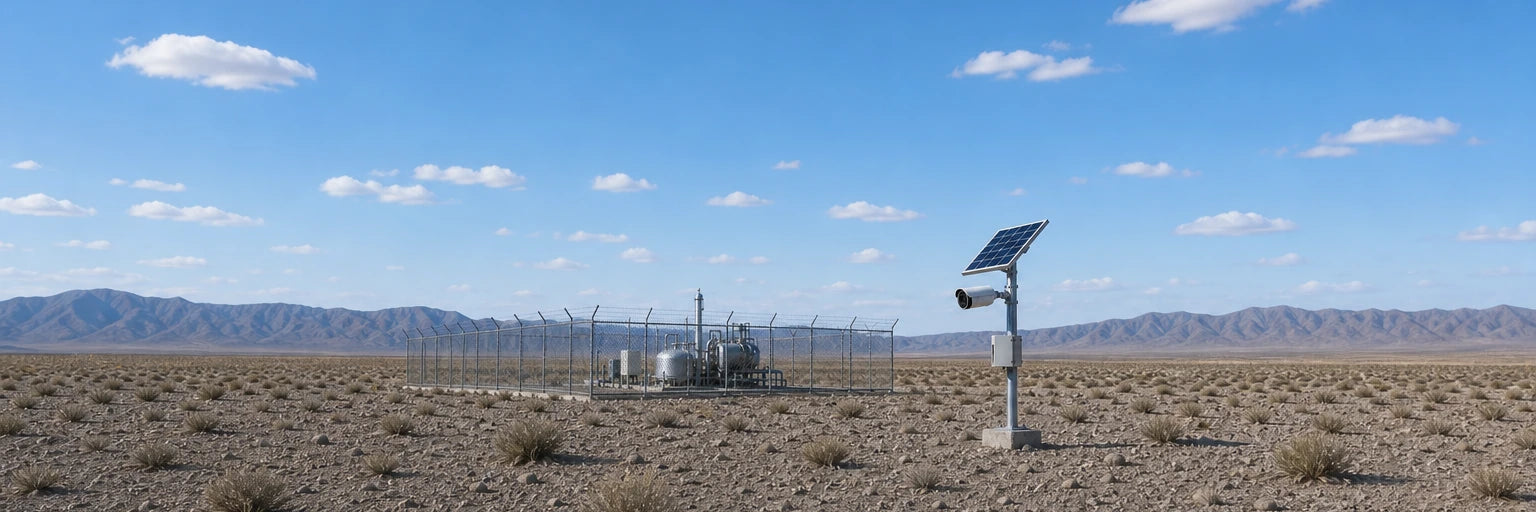
Plan coverage where fixed power or wired network access is limited. Confirm connectivity, charging conditions and recording needs before ordering.
Shop solar cameras
Review certified housings, mounting conditions, environmental limits and recording requirements for demanding locations.
Explore hazardous-area camerasUse model details, channel capacity and network requirements to narrow the right system before ordering.
Request a compatibility reviewMatch the exact series, resolution, lens and required features.
Confirm channel count, bandwidth, storage and decoding requirements.
Review PoE budget, switch capacity and the planned network layout.
Review camera, recorder, storage, PoE and network requirements as one system.
Account for mounting, power, connectivity, weather and operating conditions.
Confirm availability, lead time, destination and warranty terms before ordering.
Use a reviewed model list and quotation to keep the project scope traceable.
Give the sales team enough technical detail to review the request before you order.
Send the exact model, suffix, quantity and site application.
Check camera, recorder, PoE, storage and connectivity requirements together.
Verify price, availability, lead time, region and warranty terms for the request.
Use the confirmed quotation and model list as the basis for the order.
Include the destination market, required language or region, preferred delivery window and any recorder or network equipment already selected.
Plan cameras, recording, access and network equipment around the site you need to protect.

Cover entrances, loading areas, aisles and operations with a coordinated system.
Plan clear coverage for customer areas, stock rooms and service points.
Combine video, access and intercom equipment around daily site operations.
Use PTZ, explosion-proof and solar-powered options for demanding coverage conditions.
Use practical setup, compatibility and selection guidance before choosing equipment or changing a live system.
Preserve required clips, confirm disk compatibility and follow a controlled NVR drive replacement with initialization, playback and export checks.
Read guidePlan a useful camera view by checking mounting height, target distance, coverage and recorded day-and-night results before final installation.
Read guideA practical guide to HIK PoE switch and network planning: power budgets, uplink capacity, VLANs, multicast and redundancy for IP camera systems.
Read guideConfirm the details that can affect model selection, quotation and ordering.
Contact salesUse the full model number and suffix in the search field. If the model is not listed, send the exact reference and quantity to the sales team.
Share the camera models, quantity, recorder model or channel requirement, storage target and PoE plan. The request can then be reviewed against the information provided.
Confirm availability and lead time with the sales team before ordering. They can vary by model, quantity and destination.
Yes. Send the exact model, suffix, quantity and destination so the team can review the request.
Ask for these details to be confirmed in the quotation before payment. Terms can vary by product and destination.
Include the complete model list, quantities, destination, site application, required delivery window and any existing recorder or network equipment.
Send your equipment list and project requirements. Our team will help you prepare a quotation.










Practical camera, recorder and deployment guidance from our team.
Preserve required clips, confirm disk compatibility and follow a controlled NVR drive replacement with initialization, playback and export checks.
Read articlePlan a useful camera view by checking mounting height, target distance, coverage and recorded day-and-night results before final installation.
Read articleA practical guide to HIK PoE switch and network planning: power budgets, uplink capacity, VLANs, multicast and redundancy for IP...
Read articleInside HIK cameras: how the ISP shapes the image, how H.265 encoding sets bandwidth, and what the NPU can actually...
Read articleFix HIK camera motion detection that misses events or sends constant alerts: check the schedule, tune zones and sensitivity, and...
Read articleFix HIK NVR remote viewing problems: confirm the recorder is online, check gateway and DNS, re-bind the app, review ports...
Read articleUpdate HIK camera firmware safely: check the model and hardware version, back up config, choose the right file, verify after...
Read articleCompare HIK NVR and DVR recorders: camera type, image quality, cabling, cost, bandwidth and the best choice for new builds,...
Read article


